Office: 01772 485 348 Mobile: 07903 505 874 WhatsApp
This Week's Special Offer ANY Custom Coded Website 10% off fully coded systems this week. Call now on 01772 485 348 or contact us and we will point you in the right direction. • Call Now: 01772 485 348 Contact Us Google Reviews Trustpilot •
Systems, software and AI

Client portals and dashboards that make access simpler

Need customers or staff to see the right information without chasing emails? I build secure access around clear roles, useful actions, documents and status.

Sami Swain, founder of Web Spinner UK, with his son Teddy
Project enquiries welcome Published project examples Direct contact with Sam
Project scope
Discuss the requirements before a quote
Staged Delivery
Visible, testable milestones
Direct Access
Work directly with Sami
Workflow firstScope the real operation
Secure foundationsRoles and access considered
Supportable buildTesting and handover included
Ask about timing for your project Client portals and dashboards quoted to scope
Need secure customer access? Client portals and dashboards quoted to scope Secure roles, dashboards, documents and customer status Message Sam
Client portals and dashboards · Family-run · UK-wide Hi, I'm Sam — your client portal developer
Talk directly with Sam

Need a secure client portal or dashboard?

Client portals are quoted after the access and workflow requirements are agreed. Tell me who needs access, what they must see or update and which documents, systems or reports are involved.

By submitting this enquiry, you automatically agree to Web Spinner UK contacting you about your request. Do not send passwords or access keys here. See our Privacy Policy.

Roles, permissions and sensitive data are defined before screens are built.

Systems, software and AI

What’s included with Client Portals & Dashboards

This Client Portals & Dashboards service starts with the people, workflow and data involved, then turns the requirement into a maintainable system with clear permissions, integrations and measurable next steps.

Relevant to this page Client Portals & Dashboards

Six parts of the scope are shown in the order they are considered, with the exact work confirmed before delivery begins.

01 / Scope

What the work covers

  1. Secure client access

    Authentication and permissions appropriate to each account.

  2. Useful dashboards

    Clients see the information and actions relevant to them.

  3. Documents and files

    Controlled upload, download and status handling.

  4. Communication

    Messages, notifications and updates kept in context.

  5. Administrative control

    Staff can manage users, content, requests and exceptions.

  6. System integration

    Portal activity connected to the wider business workflow.

Read the full client portals & dashboards service detail
Client portal work at Web Spinner UK focuses on adding a secure client login area to a business website. Once clients expect to see documents, project status, updates or simple reports, a contact form on its own is no longer enough.

A website login area can give clients one place to check progress, download files and see what happens next, while staff manage the content from a simple admin screen. The aim is fewer chasing emails and a service that feels organised.

Each login area is planned around who needs access, what they should see and what they can change, with security and permissions agreed before building starts.

Where a business needs a larger bespoke portal or operational dashboard that goes well beyond the website, it is scoped separately as a bespoke build.
Choose a sensible starting point

Three routes, shaped around the job

Start with the route closest to the current problem. The exact scope is confirmed before meaningful build work begins.

02 / Starting route

Choose the closest fit

You do not need to diagnose the whole job before getting in touch. Pick the nearest route and the scope can be corrected before work starts.

Pilot

Prove one valuable workflow

Start with a bounded operational problem, clear users and a measurable result.

Scope a pilot
System

Build the working platform

Develop roles, data, screens and business rules in visible, testable stages.

Plan the system
Connect

Integrate and automate

Join the platform to the services, APIs and follow-up processes that make it useful.

Discuss integrations
Why not buy an off-the-shelf tool?

Use an existing product when it fits. Custom work is justified when the workflow, permissions, data or integrations create a genuine operational gap.

Can delivery be staged?

Yes. A useful core workflow can launch first, with integrations and advanced modules added through visible milestones.

What happens after launch?

Monitoring, maintenance, documentation and a prioritised improvement route are agreed around the system’s real operational importance.

Fit, problems and outcomes

Who this service helps and what it is built to improve

Useful coverage is grouped around buyer needs rather than exposed as an internal keyword list.

Who this helps

Trades & Construction Businesses Home Improvement & Renovation Specialists Professional Services & Legal Firms Aesthetic Clinics & Beauty Professionals Businesses Seeking Web Design & Digital Upgrade Local service businesses Growing SMEs Multi-location businesses

Outcomes to work towards

Consistent High-Quality Leads Increased Revenue & Bookings Dominant Local & Service Rankings Premium Professional Online Presence

Problems to fix

Low Website Traffic Not Ranking on Google Poor Lead Conversion Slow & Outdated Website Weak conversion flow Manual admin processes

Ways we can help

Membership Website Development Custom Dashboard Development
Relevant project proof

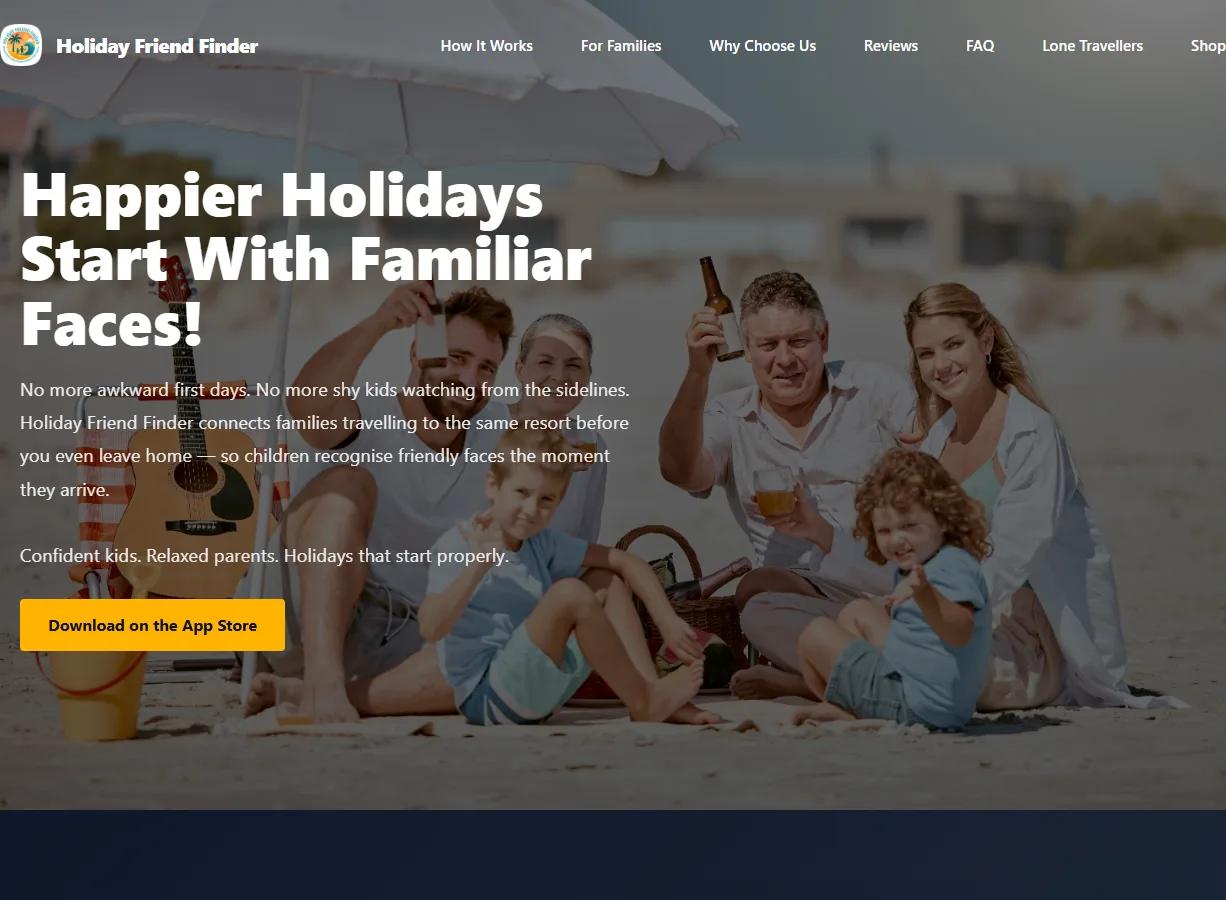
Real interfaces and platforms relevant to Client Portals & Dashboards

The examples show the kinds of interfaces, accounts and operational journeys Web Spinner UK has delivered, with dedicated profiles for the underlying scope.
View all case studies
Want to discuss a similar route? Send the essentials and Sam will suggest the most sensible next step.
Discuss my project
Pricing and options

Client Portals & Dashboards pricing and cost calculator

Choose a service and package in three quick steps. Your fixed package price appears at the end, without waiting for a callback or chasing a quote.

Your price is waiting at step 3 No enquiry form, no callback and no chasing just to see the package price.
1Choose a service
2Choose a package
3See your price
Step 1 of 3

What would you like us to build or improve?

Choose the closest service. You can review the matching packages next.

Next: choose a package, then see the fixed package price at step 3.
Step 2 of 3

Choose the package closest to your project

You will see the fixed package price immediately on the next step.

Selected package

Client Portal Starter

Secure client login areas added to your website for documents, updates and progress.

A starter portal build for secure logins, basic account access, and cleaner client-facing visibility.

Package detail What’s included 2 items
Client Portal Starter Secure login, account area structure, and core client-facing functionality for a starter portal build.
£2,500.00
Support & Maintenance (Year 1) Free for the first year, including maintenance, monitoring, and minor portal or content adjustments.
£0.00
Step 3 of 3

Your fixed package price

No waiting for an email, no chasing a callback and no obligation.

Selected package

Client Portal Starter

Fixed first-year package price £2,500.00
One-off build / optimisation £2,500.00
Annual maintenance £0.00
The package price is clear before you contact us.

This price covers the listed package. Extra pages or bespoke functionality are priced clearly and agreed with you before work starts.

Use This Fixed Package Price
Price shown immediately No chasing a quote No obligation
Clear Process, Stronger Trust

What Working Together on Client Portals & Dashboards Usually Looks Like

If you are looking at Client Portals & Dashboards, the usual next step is a short brief, a proper scope, and a straight answer on budget, timing, and whether WordPress, custom code, or a mixed route makes the most sense.

01

Quick Brief

You explain the goal, what already exists, and where things feel stuck.

02

Scope & Route

The right route gets recommended properly, whether that means WordPress, custom-coded, an integration-heavy build, or a tighter first phase.

03

Build in Stages

Work is handled directly with clear review points, not bounced between account managers and mystery devs.

04

Launch & Handover

You get a live result, a clean next-step plan, and support options if the project needs ongoing care.

Typical Platform Timeline

Custom software, portals, dashboards, CRM systems, and heavier custom-coded work usually sit in the 3 to 12+ week range depending on workflows, users, permissions, and integrations.

  • • Discovery and scoping matter more here than they do on a brochure site.
  • • Larger builds are best split into clear phases rather than guessed in one hit.
  • • The more operational detail you can share early, the cleaner the delivery becomes.

Payment & Commercial Shape

Larger systems are usually split into staged milestone payments so the build stays visible and sensible.

  • • You get a proper scope before meaningful build work starts.
  • • Anything outside the agreed scope gets priced before it is added.
  • • Final handover happens once the closing balance is settled.
  • • Invoices are normally due within 7 days unless something else is agreed in writing.

Best Fit

  • • Businesses with a real workflow, portal, CRM, dashboard, or operational problem to solve.
  • • Teams that need user roles, permissions, integrations, or custom reporting.
  • • Owners who want software shaped around the business instead of the other way round.

Probably Not The Right Fit

  • • If the brief is still too vague to tell the difference between a dashboard, portal, CRM, or reporting layer.
  • • If the scope needs to be guessed rather than properly discussed.
  • • If the plan is to keep every bad existing process and just paint over it.

Why People Trust The Process

  • • Direct contact with the person doing the work, not an account-manager relay race.
  • • Published project examples cover websites, apps and business systems.
  • • Portals, dashboards, CRMs, custom-coded builds, APIs, and operational tooling are all normal territory here.
  • • Clear scopes, realistic timelines, and a proper next step instead of brochure fog.
Useful questions

Client Portals & Dashboards FAQs

Can you build secure client logins and account areas?
Yes. Portal work can include secure logins, account views, document access, status tracking, and other self-service features for clients or users.
Do you create internal dashboards as well as client-facing portals?
Yes. Projects can include client-facing portals, staff dashboards, or both, depending on where the business needs better visibility and workflow support.
Can portals and dashboards connect to existing systems?
Yes. They can be connected to CRMs, internal tools, documents, operational data, or other software where that improves usability and reporting.
Is this useful for businesses with ongoing projects or retained clients?
Yes. That is often where portals and dashboards create the most value, because updates, reporting, and account visibility need a cleaner system than scattered emails and manual status chasing.
UK service coverage

Find Client Portals & Dashboards near you

Start with the most useful city pages, or open a country group to find the location you need without scrolling through one enormous list.

View all services
Related routes

Start with the closest supporting services, then open the full service stack if the project needs more routes.

Service catalogue
Explore all related services
WhatsApp us